Ten AI productivity workflows that preserve human judgment
AI is most useful when the workflow has a clear input, reviewable output, and named owner. These ten patterns move beyond prompting without pretending every task should be automated.
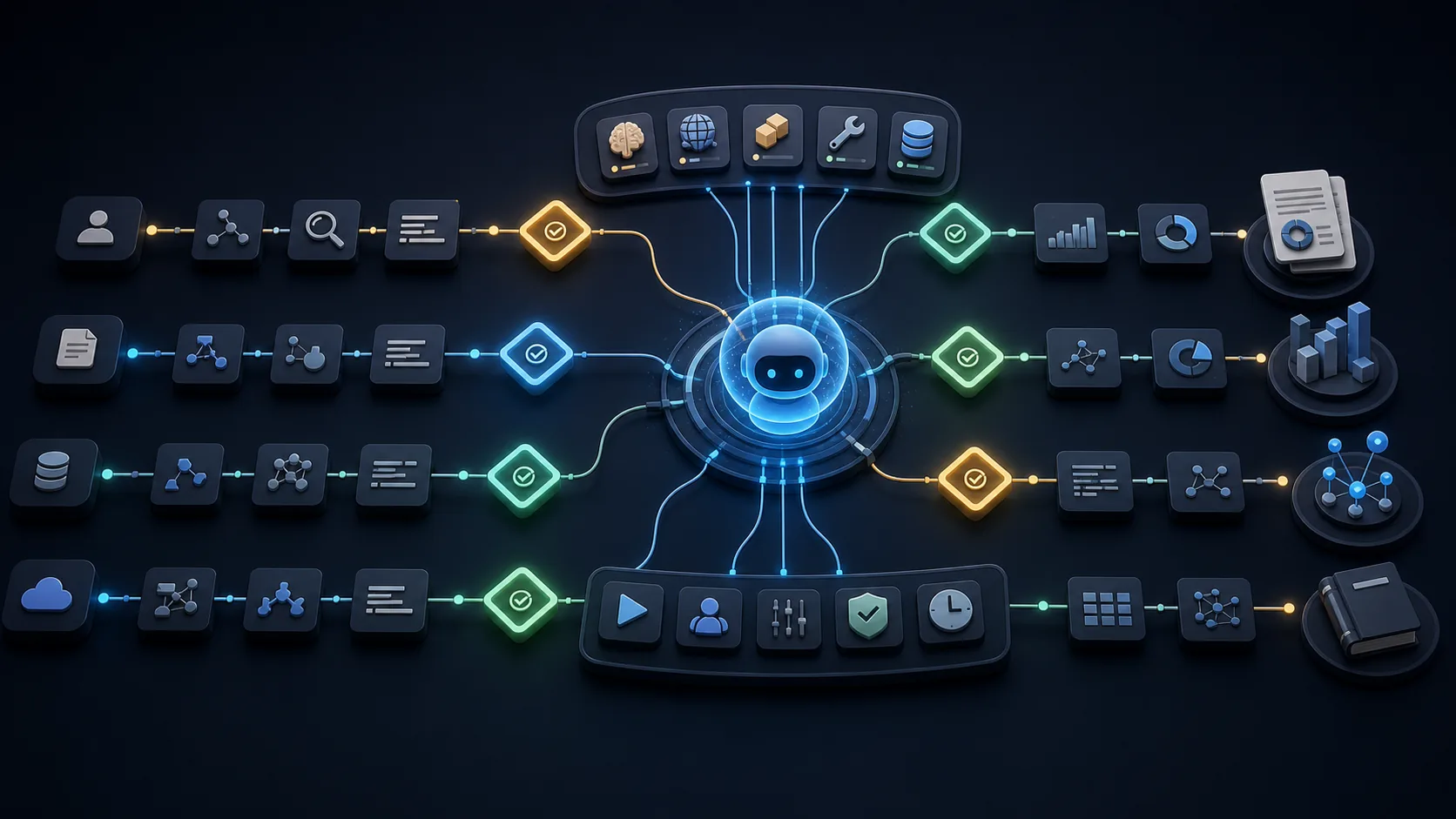
The best first AI workflows are frequent, time-consuming, easy to review, and low-risk if the draft is wrong. Examples include meeting follow-up, research briefs, document comparison, inbox triage, data explanation, test generation, incident summaries, and first drafts. Keep approvals for external messages, production changes, money, access, and high-stakes decisions.
Productivity comes from workflow design, not prompt volume
A clever prompt may save ten minutes once. A workflow compounds because it defines where context comes from, what the model must produce, how quality is checked, and who owns the next action. The output becomes a reusable artifact rather than another answer buried in chat history.
Do not assume AI always makes a task faster. In a 2025 randomized study, 16 experienced open-source developers working on familiar repositories took 19% longer with the tested AI tools, despite believing they were faster. METR cautioned against generalizing that result to all developers, but it is a strong reason to measure the actual workflow instead of relying on sentiment.[1]
1–2. Research briefs and document comparison
For a research brief, provide the decision, source rules, time horizon, and output template. Ask for a plan first, then a cited memo with contradictions and unknowns. The reviewer checks decisive claims and changes the recommendation if the evidence does not support it. This works well for vendor landscapes, policy changes, technical options, and customer questions.
For document comparison, supply the authoritative versions and define the dimensions: obligations, numbers, dates, ownership, and changed language. Ask for a table that links each difference to its location. The human reviews the source passages, especially when contracts, regulation, or security commitments are involved.
3–4. Meeting follow-up and weekly synthesis
Turn a transcript or notes into decisions, owners, deadlines, open questions, and follow-up drafts. Require the output to quote or link the moment that supports each action. A participant approves the action list before tasks or messages are created; speech recognition errors and ambiguous commitments are common enough to make that checkpoint worthwhile.
For a weekly synthesis, collect approved project updates, tickets, notes, and metrics. Ask the model to separate completed work, risks, decisions needed, and next-week priorities. The owner removes duplicated or stale claims and confirms numbers against their systems of record.
5–6. Inbox triage and audience-specific drafts
Inbox triage works when the categories are explicit: urgent reply, decision needed, delegated, reference, and noise. The system can summarize threads and draft responses, but sending remains an approval step. Use a rule for sensitive topics and never let classification silently delete or archive important messages during the pilot.
Audience-specific drafting converts one approved source into a customer update, executive brief, release note, or internal FAQ. The model should preserve facts and change structure, detail, and tone—not invent new promises. Keep a link to the approved source so reviewers can identify drift.
7–8. Spreadsheet explanation and code-review preparation
For data explanation, give the schema, definitions, and approved dataset. Ask for calculations, anomaly candidates, and questions—not a causal story the data cannot establish. Verify formulas and reconcile totals. The useful output is often a short commentary plus a table of checks rather than a dramatic dashboard.
For code-review preparation, ask AI to map the change, identify affected interfaces, propose test cases, and list security or migration questions. The reviewer still reads the diff and runs tests. This reduces orientation time without assigning the model authority to approve its own code.
9–10. Incident timelines and reusable playbooks
An incident assistant can assemble timestamps from alerts, logs, tickets, and chat into a draft timeline. It should mark conflicts and missing intervals, not smooth them over. The incident lead validates the timeline before it informs a postmortem or customer communication.
After a task succeeds, turn the approved steps into a playbook: trigger, required context, safe actions, approval points, failure modes, and completion criteria. This is how one person’s productive session becomes repeatable team capability. OpenAI’s deep-research product documentation illustrates the broader pattern of plan, progress, interruption, and cited deliverable.[2]
Choose workflows with a simple scorecard
Score candidate workflows on frequency, current effort, input quality, reviewability, error cost, and permissions required. Start where frequency and effort are high, review is easy, and error cost is low. The ILO’s task-level work is another reason to assess the workflow rather than label an entire occupation automatable.[3]
Measure cycle time, accepted-output rate, correction time, and defects after handoff. Time saved before review is not a gain if reviewers spend longer repairing subtle errors. Keep a no-AI baseline for a representative sample so improvement is visible.
| Workflow trait | Good pilot | Poor first pilot |
|---|---|---|
| Frequency | Daily or weekly | Rare edge case |
| Review | Clear checklist | Only an expert can detect a hidden error |
| Action | Draft or recommendation | Irreversible external change |
| Evidence | Accessible approved inputs | Scattered or unknown source of truth |
Keep five actions behind an approval gate
External communication, production changes, financial transactions, access changes, and high-stakes decisions deserve explicit approval. The model can prepare the work and surface evidence, but a named person should authorize the state change. Logging the input, output, tools, and approval creates accountability and supports the risk-management discipline described by NIST.[4]
Over time, narrow actions with strong validation may earn more automation. Expand authority because measured evidence supports it, not because a demo looked fluent. The goal is reliable throughput with human judgment applied where it changes the outcome.
Frequently asked questions
What is the best first AI productivity workflow?
Choose a frequent, time-consuming task with good inputs, an easy review checklist, and low downside if the first draft is wrong—such as meeting follow-up or a research brief.
How should AI productivity be measured?
Track total cycle time, accepted-output rate, correction time, downstream defects, and user effort against a no-AI baseline.
Which AI actions should require approval?
Keep external messages, production changes, payments, access changes, and high-stakes decisions behind a named human approval gate.
Sources and evidence
Primary and authoritative sources used for factual claims. Company research and executive forecasts are labeled as such in the article.
- 1
- 2Deep research in ChatGPTOpenAI
- 3Generative AI and Jobs: A Refined Global IndexInternational Labour Organization · 2025-05-20
- 4